
Studio operations that stay calm from rehearsal to transmission
whisperra brings equipment, lighting, sound and crew coordination into one platform. It is built for newsrooms and live entertainment productions that need clear schedules and tidy communication.
- 2014Year we were founded
- 6Core studio services
- 4Specialist team leads
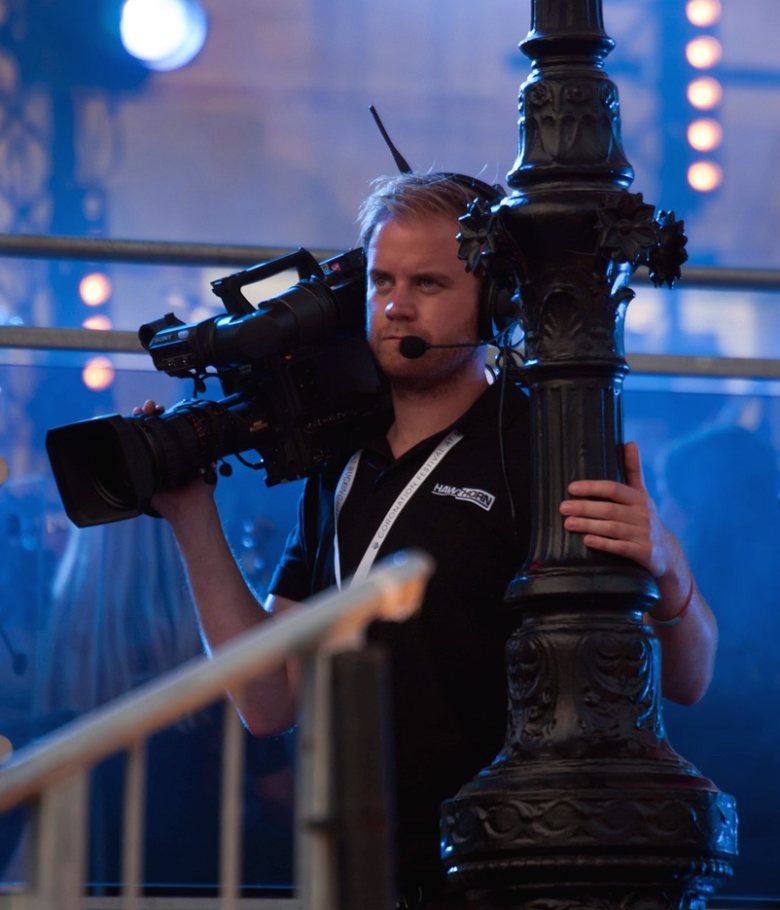
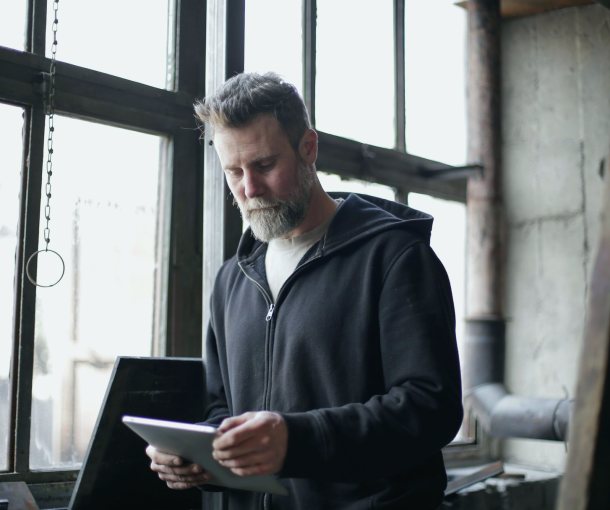
Built by people who have worked the floor
whisperra began in Colchester in 2014, started by a former studio manager who wanted fewer missed cues and fewer scattered spreadsheets. Today the team combines engineering, audio and production experience. We build tools that crews actually use on a busy studio day.
- 2014Founded in Colchester
- 4Team members profiled
- 10+Years of floor experience
How we work
From first conversation to a studio that runs itself
Every studio has its own habits, kit and rhythm, so we start by listening before we configure anything. The platform is then set up around your real shows, not a generic template. Each step leaves your team with something concrete to use the next day.
-
01
Talk through your studio
We begin with a conversation about your studios, the shows you produce and where time is lost today. We ask about kit, crew roles and how information currently passes between newsroom, gallery and floor.
What you leave with
A short written summary of your current workflow and the problems worth solving first.
-
02
Map equipment and spaces
Cameras, lenses, monitors, cabling, lighting positions and audio gear are recorded item by item. Maintenance history and booking rules are added so everyone sees what is available and what is out of service.
What you leave with
A complete equipment register with booking calendars for each studio.
-
03
Plan the shows
Camera moves, lighting presets and microphone plans are set up for each programme. Running orders and call sheets are linked to them so the floor team works from the same pages as the gallery.
What you leave with
Shot lists, lighting plots and sound plans attached to each show.
-
04
Train the crew
Floor, gallery and audio staff are shown only the parts of the platform that matter to their role. We stay available while the first live and recorded shows run through the new setup.
What you leave with
Role-based guidance notes for each crew group.
-
05
Review and refine
After the first weeks of use we look together at what worked and what still causes friction. Settings, templates and schedules are adjusted to match how your team really works.
What you leave with
A review note with agreed adjustments to templates and schedules.
What whisperra covers in the studio
-
Equipment Management
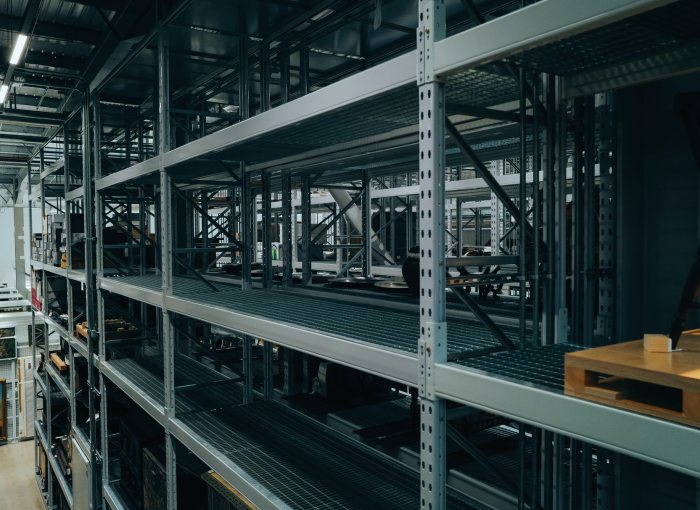
Every camera, lens, monitor and cable is logged with its location and condition. Maintenance records and booking calendars sit beside each item, so nobody finds a faulty lens at the start of a show.
Services → -

Camera Movement Planning
Pedestal, jib and rail moves are planned for each programme and turned into shot lists. Floor crews, directors and operators read from the same sheet before the cameras roll.
Services → -
Lighting Design Support
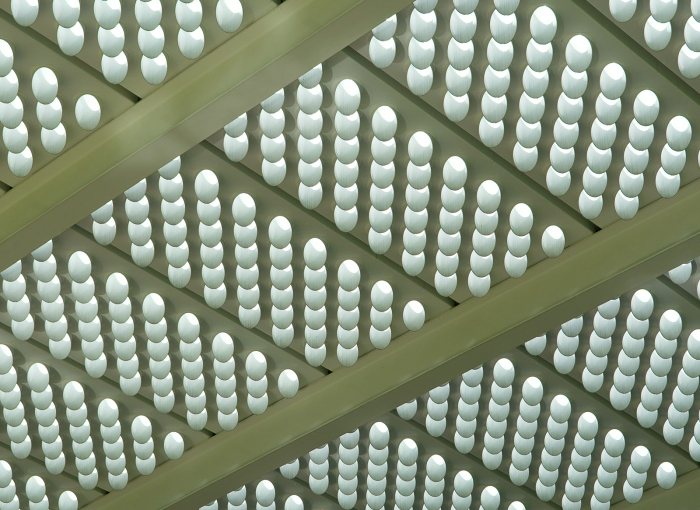
Lighting plots and presets are built for sets, newsdesks and entertainment stages. Saved states let the lighting team recreate a look between shows without starting from scratch.
Services → -

Sound Management
Microphone choices, mixing desk settings and talkback routing are recorded for every show. Audio teams can set up quickly and repeat results from one episode to the next.
Services → -

Production Coordination
Running orders, call sheets and cue notes are shared between gallery, floor and presenters. Changes made during a live or recorded show reach everyone who needs them.
Services → -
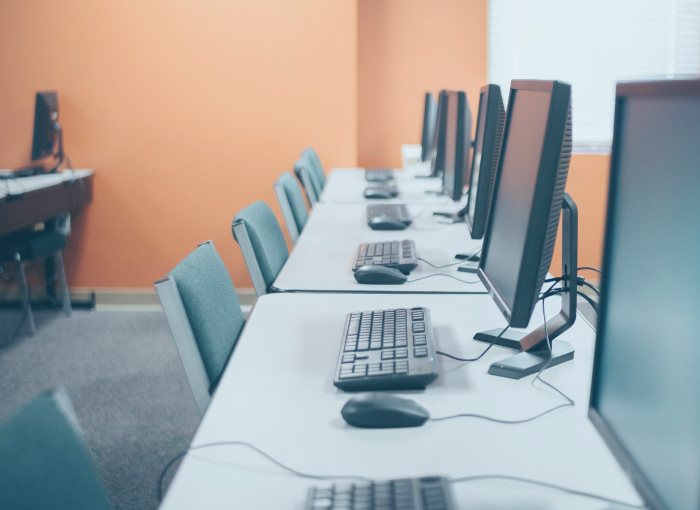
Newsroom Workflow Setup
Story planning is connected to studio booking, so a daily bulletin moves from the newsroom to the floor without retyping. Editors and studio managers work from the same schedule.
Services →
Practical habits behind every setup
The platform is shaped by how studio crews really work: short turnarounds, shared spaces and plans that change on the day. These are the qualities our clients notice first.
Clear schedules
Studio bookings, crew calls and rehearsal slots appear in one calendar, so clashes are seen early rather than on the morning of the show.
Kit you can trust
Maintenance logs show what has been checked, repaired or lent out, which keeps faulty equipment away from live productions.
Tidy crew communication
Notes and cues reach the right people in the gallery, on the floor and at the presenter desk without long message chains.
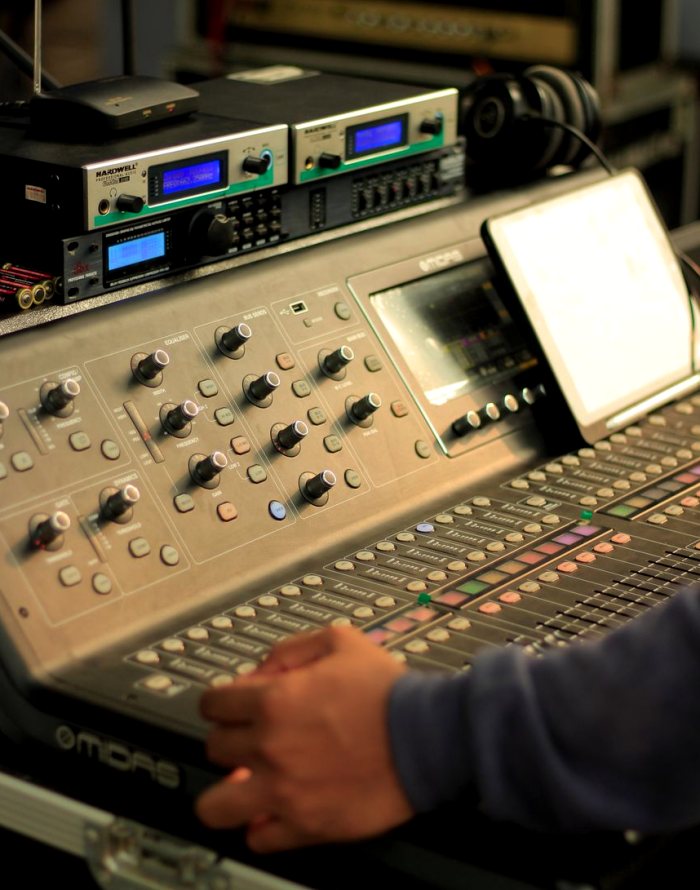
Repeatable results
Lighting presets, camera moves and audio settings are stored, so a good show can be set up again in the same way.
Quick daily turnaround
Newsroom plans connect to studio booking, which helps bulletins move from story list to studio floor with less manual handover.
Direct support
You speak to the people who build and run the platform, by phone or email, during the setup and afterwards.
Tell us about your studio and your next show
Send a short message through the contact page. We reply with a few questions about your studios and shows, then discuss what a sensible first setup would look like.
Contact- Describe your studios, shows and crew size
- We reply with questions and a written proposal
- You decide whether and when to go ahead
Send us a message
- Phone
- 01206 574318
- [email protected]